


On Hyperliquid, your wallet acts as your account.
The fastest way to start is Email login: the system creates a wallet automatically.
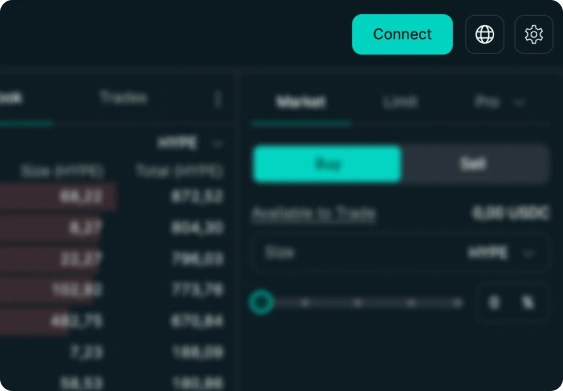 1. Click Connect
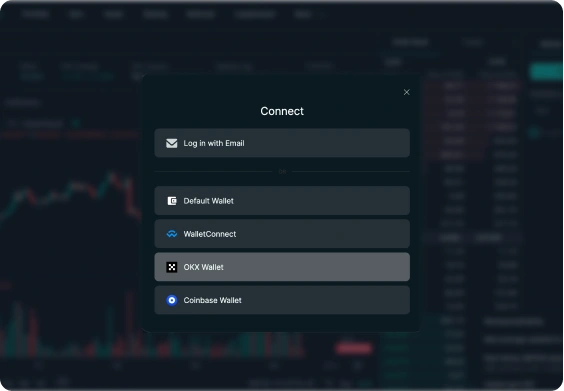 2. Choose Email login - this is the fastest way to get started No signup. No password. Wallet is created automatically.After login, you're ready to add funds.
You need USDC to start trading on Hyperliquid.
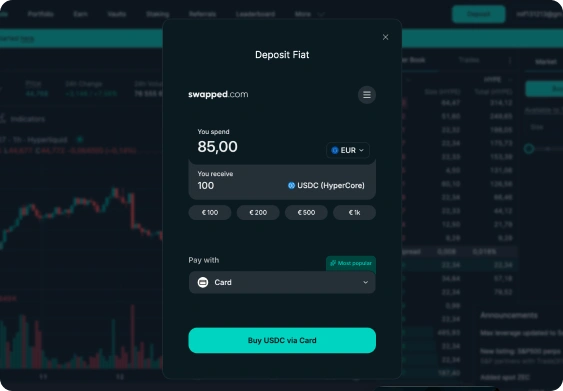
The fastest and simplest way is to buy USDC directly with a card.
1. Buy USDC with card
Fastest and easiest way to add funds.
- Buy USDC instantly
- Pay with Visa, Mastercard, Apple Pay, etc.
- Funds arrive in your account and are ready to trade.
2. Deposit USDC from your wallet
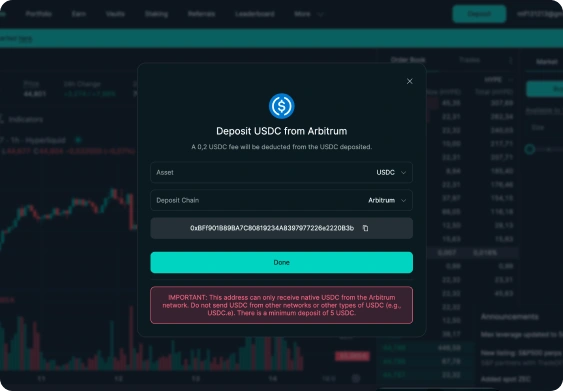
Already have crypto? Deposit on-chain.
- Send USDC from any wallet
- Works on Arbitrum
- Finality in ~1-2 minutes
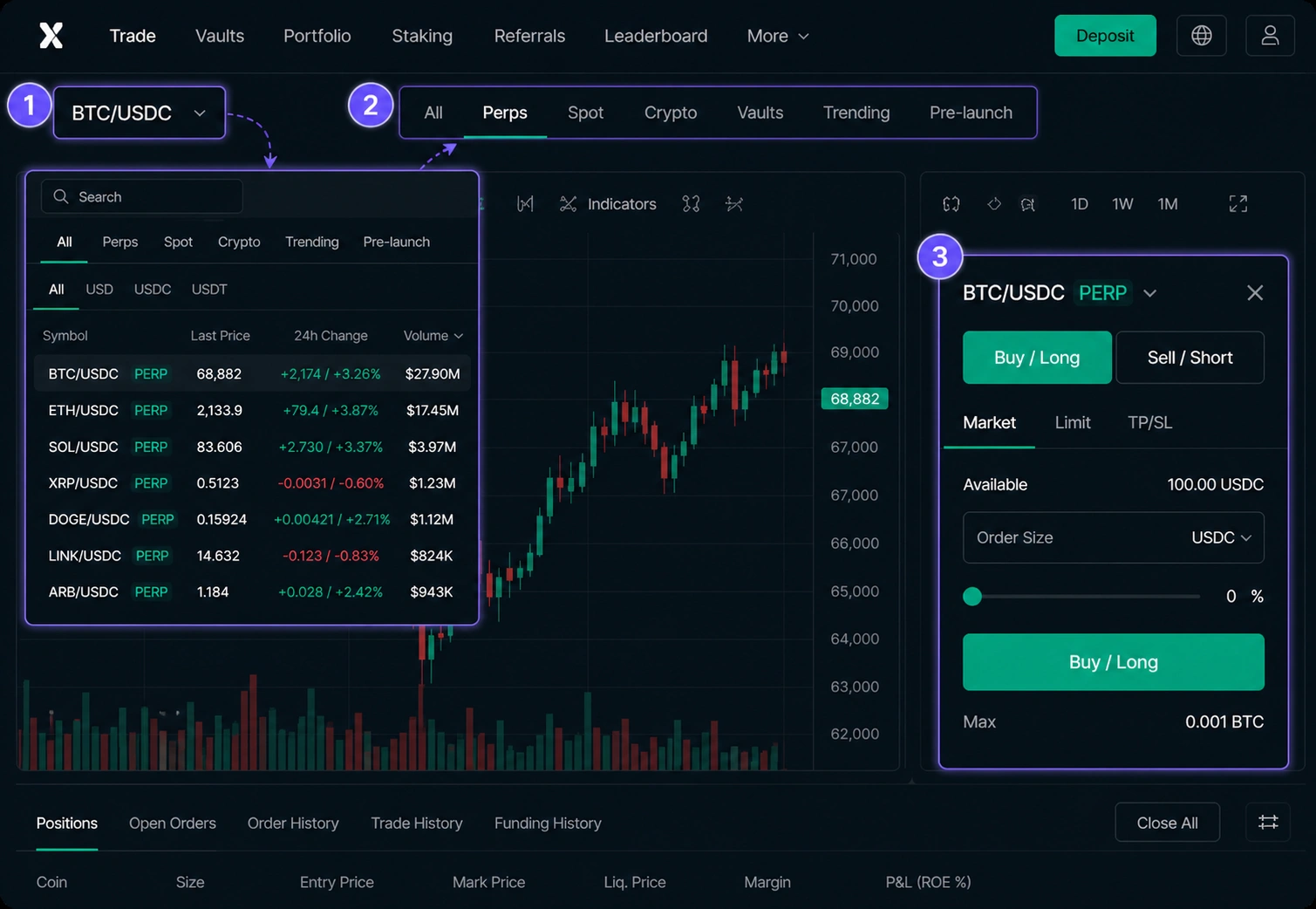
Market selector
Click the market selector and switch from Spot to Perps.
Now the Buy / Sell panel for Long / Short trading will appear.
- 1Click market selector
- 2Switch to Perps
- 3Buy / Sell (Long / Short) appears
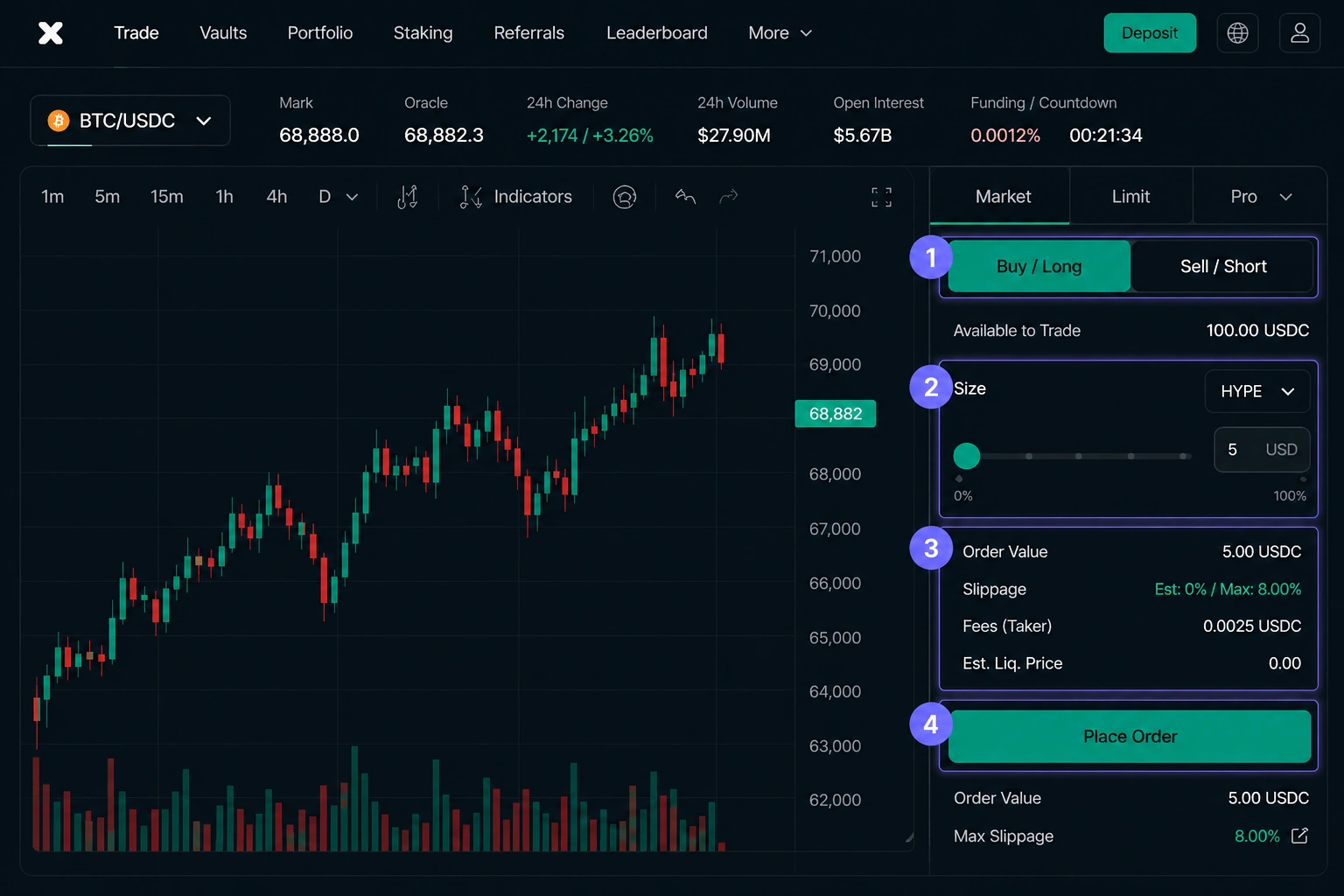
Choose Buy / Long and open a small position.
Start small: $5-$10 -> Buy / Long -> position size -> Place Order.
- 1Choose Buy / Long
- 2Set a small position size ($5-$10)
- 3Review your order parameters
- 4Tap Place Order
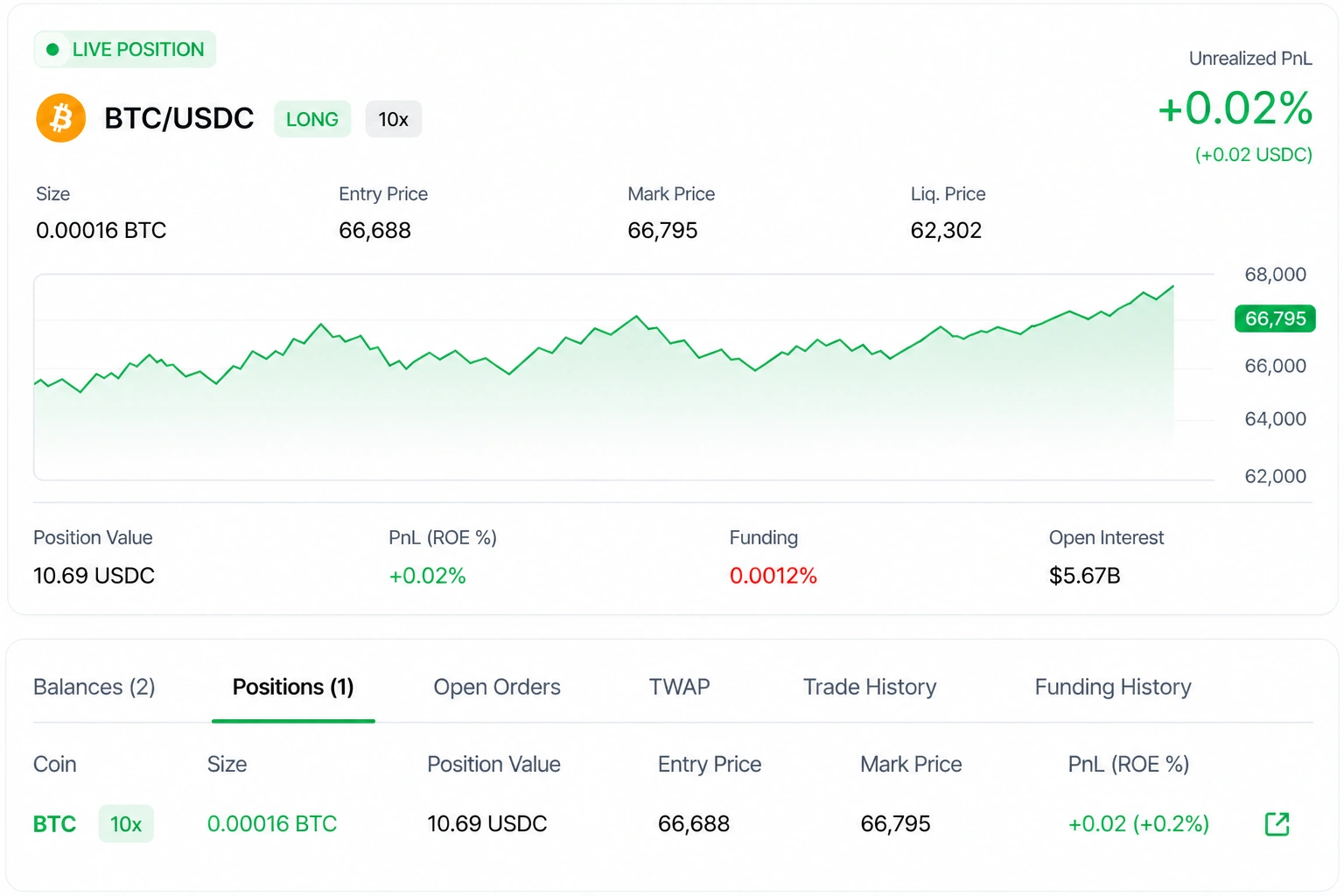
You're in the market
Your first position is now live.
You've taken the first step into on-chain trading. Track your performance, manage your risk, and grow with every trade.
Built for traders
Powerful tools help you act faster and more precisely.
- Live & updated in real-timeYour PnL, price, and stats update instantly.
- Full controlAdjust, add, or close your position anytime.
- Risk in your handsYour size and leverage. Your responsibility too.
- Built for tradersPowerful tools help you act faster and more precisely.

- 1Connect Wallet
- 2Add Funds
- 3Switch to Perps step
- 4Open Position
- 5Track Position
